WordPress, Joomla, and Drupal are arguably the three most prominent names in the vast world of CMS platforms. Everyone has heard of them; they’re often used to deploy different types of websites, they’re recommended, studied, and more. They are rightfully considered the “giants” of the content management system world. And yes, originally they were each designed for different purposes. Some excelled at e-commerce, others at simple websites or blogs, although today their versatility continues to grow — and that raises a separate question about task specialization.
This isn’t news — hardly any developers, designers, or site creators ignore these well-known CMSs. Let’s be honest: WordPress powers a huge number of websites. And there’s nothing wrong with that. You still need to know how to build a theme, configure an existing one, ensure security — in short, there’s no shortage of things to do. Sometimes it’s even hard to say what’s simpler: to code everything manually or to work with a ready-made CMS. There’s plenty to think about either way.
But seriously, there’s almost nothing these platforms can’t do with reasonable use of plugins, themes, and a minimal knowledge of coding — or even no coding at all. Believe it or not, this article isn’t meant to accuse these major CMSs of any shortcomings. They are capable of almost everything. What we want is to look at some of the smaller, lesser-known CMSs through the lens of these “giants” , compare them to WordPress (for example), and consider why WP is often seen as “a cut above” the rest.
Unfortunately, we lack the poetic talent or the ambition to storm the sacred temples of Greece to honor its genius minds. We're far from true artistic brilliance — otherwise, we’d write a sonnet in praise of smaller CMSs or invent a new philosophical movement. Instead, as usual, we’ll take a simpler route: we’ll explore the features and aspects that allow these engines to compete with the giants. Or... are they ultimately being swallowed by them?
Purpose-Driven Simplicity
The Unix operating system was built around a simple idea: a program should do one thing and do it well. This principle was later used in other systems, like macOS, and it remains a cornerstone of some of the best software ever created. If this principle works for large-scale projects, there’s no reason it can’t apply to smaller ones too.
Many small CMS platforms follow this idea. It's hard to explain, but simply put — commitment to a single purpose encourages a level of refinement that broader systems struggle to match.
Take Ghost version 2.0 , for example (free download is hidden a bit, but here it is). This CMS has become one of the best platforms for pure blogging. Despite being relatively small, we wouldn't call its functionality overly “basic.” Compared to WP, its admin interface is simpler and possibly faster — though on the other hand, WP’s performance also depends on plugins and optimization.

To understand what this lightweight CMS can do, look at some of the websites built with it: realmacsoftware, creditonebank, cloudflare, troyhunt, and others.


Clean Code Without the Bloat
Small CMSs are, by definition, small in size and in scope. There’s a direct link between the amount of code in software and its speed. If you’re building a simple website, there’s no point in choosing a CMS bloated with features you’ll never use — it’s just wasted server space.
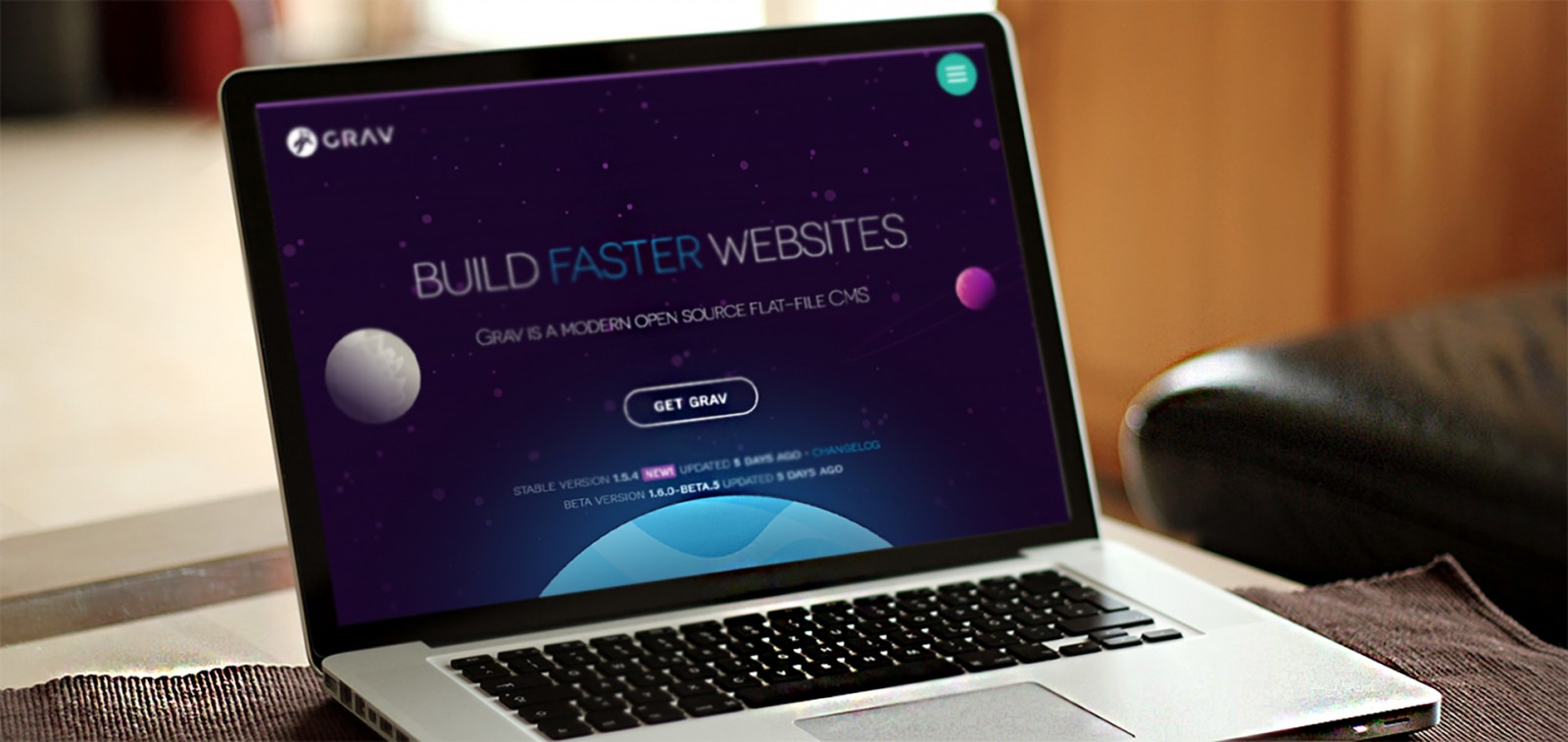
That said, small CMSs can still be incredibly flexible. Let’s consider Grav. Its goal is simplicity and clean code. And within that scope lies a lot of power. Grav can be used for blogs, wikis, or simple brochure-style websites. These sites can easily compete with their counterparts, and Grav, at just 4.8 MB, stands out for its size while going toe-to-toe with giants like Joomla — all without a database.

Of course, with WordPress, you can also go minimal — few plugins, lightweight themes — to reduce code too.
Sites built with Grav include: newtquestgames, gantry, saveourplanet, oblique.

Easy Administration
Let’s talk about when small CMSs simply can’t be complex. A truly single-purpose app will always be easier to use by nature. How many fields do you really need to publish a content-heavy page?
We’ve worked with WordPress and many other systems for years, but Bludit is something different. Perhaps the most enjoyable part of any CMS is the content creation experience — writing, adding images, drawing tables, inserting links, and more. Plugins and themes are important, sure — but when you’re actually building the page, there’s that adrenaline and inspiration. Bludit uses Markdown (though TinyMCE is available) and it’s genuinely pleasant to work with.

What you realize while using Bludit is that everything is light and simple — only the essentials are there, unless you need more. Ghost is good too, but side-by-side, Bludit is faster to load and run. And that’s the beauty of small CMSs — there’s one for every use case or preference.
When working with WP, we often subconsciously try to expand it beyond what’s necessary. After all, “it’s the ultimate CMS — it should have everything!” But that “everything” is right there when you need it, with stability and mature extensions.
For inspiration, see Bludit’s wide range of themes across various styles and topics.
Templates and Themes
With small CMSs, it’s usually easier to create themes, plugins, or templates. That makes them popular among designers and visual thinkers who don’t want to dig deep into code. Just like some webmasters never build layouts from scratch or never use Photoshop for web design — or prefer other graphic tools instead. Every pro has their own habits.
One feature that makes these CMSs even easier is Twig — a PHP-based template engine. If you want to explore it, try Pico. Or if you need something more advanced, consider Bolt CMS.


Few CMSs can compete with the sheer volume of WordPress themes and plugins — and the number of mini-frameworks out there for theme building is enormous.
As examples for the above CMSs, take a look at some elegant sites like pegasreal, nicalala, verawaterandpower, and others.

Easy Contribution
Technically, platforms like WordPress, Drupal, and others are open source. That means anyone can contribute to their development. In practice, it’s much more complicated. Large open-source projects have massive communities, hierarchies, and huge codebases, documentation, and tutorials maintained by that community. They’re necessary — for both beginners and pros. But they also make it harder to get started and contribute. Before you can even think about creating a plugin or theme, it takes time to understand how the CMS works inside and out.
Smaller CMSs are easier to explore and understand. Many are built by solo developers who’d love help on their projects. In these cases, your contribution matters more — and it’s easier to become a part of the CMS’s history.
Still, even big CMS plugin authors appreciate feedback — especially after updates.
Final Thoughts
So what’s the verdict? Small CMSs have their strengths. But so do the giants — they offer all of that too.
Is WordPress better? Hard to say. They’re all different. Some are ideal for blogs, others for presentations, some for eCommerce. Some are all-in-one solutions you can rely on for years. What to choose depends on the user (unless the client specifies it). But WordPress truly became popular because of its versatility, scalability, usability, visual clarity, and power (even though it started as a blogging tool).
Most themes look similar — two-column layouts, landing pages with sections, etc., can be built in any CMS. But what matters is what’s inside. If you’re used to WP, switching might not make sense. But if you’re curious, explore other CMSs. Just do it after you’ve gotten comfortable with a major one — it gives you a strong foundation you can apply elsewhere.
However, smaller open-source CMSs are much easier to understand inside and out. In most cases, especially when there’s a single developer behind the project, they’re genuinely happy when someone steps in to help or take on a piece of the work. In such cases, getting on the project's “wall of fame” is much easier — and your contribution becomes more personal. You become, in a sense, part of that CMS’s story.
Of course, authors of extensions for big CMSs also appreciate when someone points out bugs or issues with their plugin — especially after major updates.
Final Thoughts
So, it turns out that small CMSs have their unique strengths — but the giants share many of those too.
The real question after all this analysis is: is WordPress truly better? You can’t really say one CMS is “better” than the others — because they’re all different. Some are perfect for blogging, others for brochure-style presentation sites, others for e-commerce. Some offer a long-term, universal solution with simplicity, reliability, and long-term stability. What to choose depends entirely on the user (unless the client has specified requirements). But WordPress became so popular because of its versatility, scalability, usability, visual clarity, and extensive feature set (and this from a platform that started as just a blog engine).
If you look at theme templates, most sites look “the same” — two-column layouts, landing pages with blocks and sections — all doable in any CMS. The key difference is in what’s under the hood. If you’re already used to WP, there’s not much reason to switch or hunt for something “better.” But if you’re simply curious, then yes — try other systems and compare. It makes the most sense once you’ve already explored a major CMS.
That’s because mastering a large CMS gives you a toolkit of best practices that you can carry over into smaller systems. Still, for some people, starting with WordPress is the easiest entry point to the CMS world. Joomla and Drupal often feel more complex or overwhelming by comparison.