There are a few things I’d like to talk about specifically regarding work. You’ll find plenty of info about vacationing in Sri Lanka, but not everyone talks about the nuances of freelancing on the island. I’ll share the things that stood out to me personally, to make your trip a bit easier.
My route: Midigama – Mirissa (coast) – Kandy (central region) – Ella (mountains). I’ll be talking about these areas and their overall characteristics.
Internet
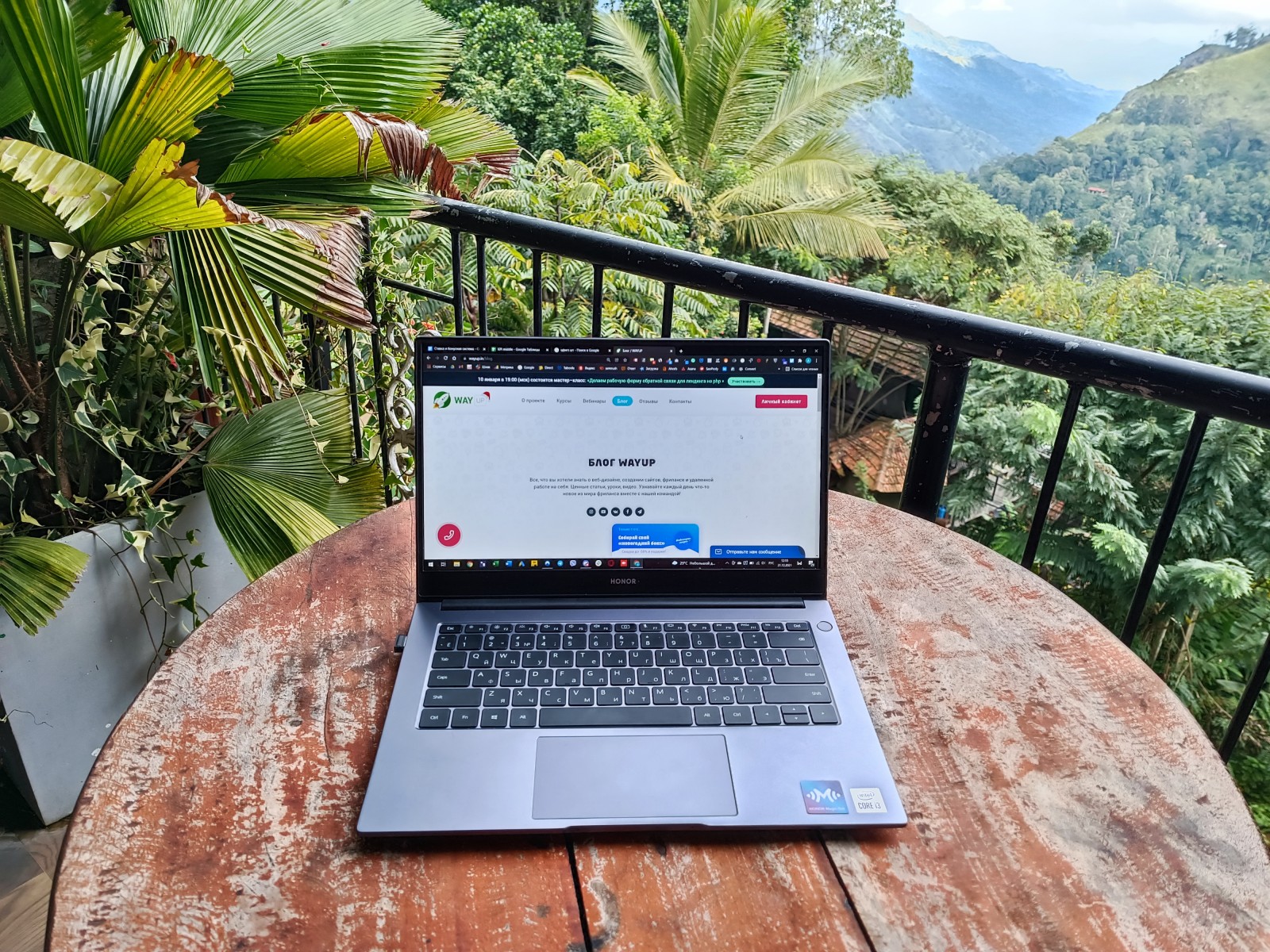
Internet issues do exist. You won’t find reliable Wi-Fi everywhere like we’re used to at home or in Europe. Overall, the 4G connection across the island is decent, so mobile data is your best friend. The main providers are Mobitel and Dialog. In most cases, Dialog has better coverage, but it depends on the area. It’s best to ask locals in advance which SIM to buy. You can do this right at the airport—they’ll activate everything for you on the spot.
Just in case, you might want to get two SIMs if staying connected is crucial. A monthly plan costs about $6 and is more than enough for work and personal use. They offer both daytime and nighttime rates (00:00 to 08:00), so downloading large files at night is cheaper. A heads-up—tourist SIMs need to be renewed. Don’t be surprised if your card is suddenly blocked exactly one month after activation.
As for Wi-Fi, don’t count on it. Most hotels, guesthouses, and villas offer it, but the quality is usually poor. In rare cases, there’s fiber-optic internet—but only in some touristy areas.
If you’re planning to stay long-term or with a big group, it might be worth installing fiber yourself. You can negotiate with the landlord—they’re usually okay with it since having fiber makes the property more valuable for future rentals. But they won’t cover the cost, so it’ll be on you. Installation costs about $40. The internet itself is billed based on data usage. We paid for 25GB per day, and if we exceeded it, the speed dropped to 1 Mbps for the rest of the day.
It’s up to you to decide whether setting up your own internet is worth it. But I’ll be honest—having a fast, stable connection without constant stress is absolutely worth it.
Not-So-Gentle Breeze
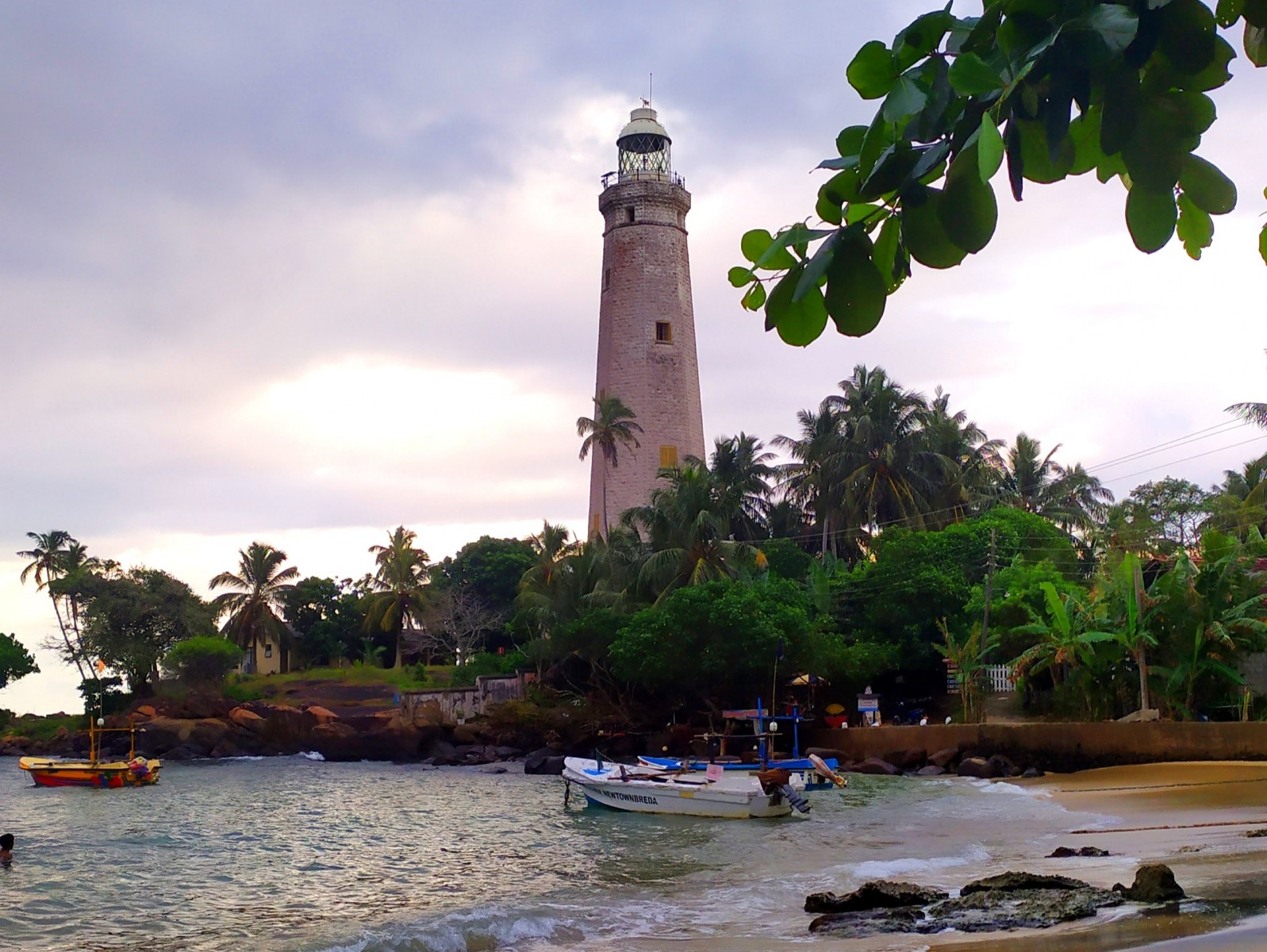
Working by the ocean sounds romantic and inspiring. But that image is quickly spoiled by the danger of humid air. Your gear will start rusting in no time. In just a month, it can get damaged if you’re working outdoors all the time—especially at the beach. It’s better to avoid working close to the water. But humidity is high everywhere. Bring a felt laptop sleeve and ideally, some silica gel. Toss a few packets into the case. Pro tip: buy silica cat litter back home and make little pouches or pour it into your sleeve’s lining.
Power Outages
In the winter of 2021–2022, scheduled maintenance caused island-wide power outages. No one knows how long this will continue. Outages usually happen after 6 PM. In some areas, it’s 1 hour a day, in others—half a day once a week. We even experienced full-day blackouts. So always keep your gear charged.
Again, this highlights the need for a local SIM with mobile internet—so you can stay online even during blackouts.
There’s a local website where you can check scheduled outages, but unscheduled ones are also pretty common.

Power Outlets
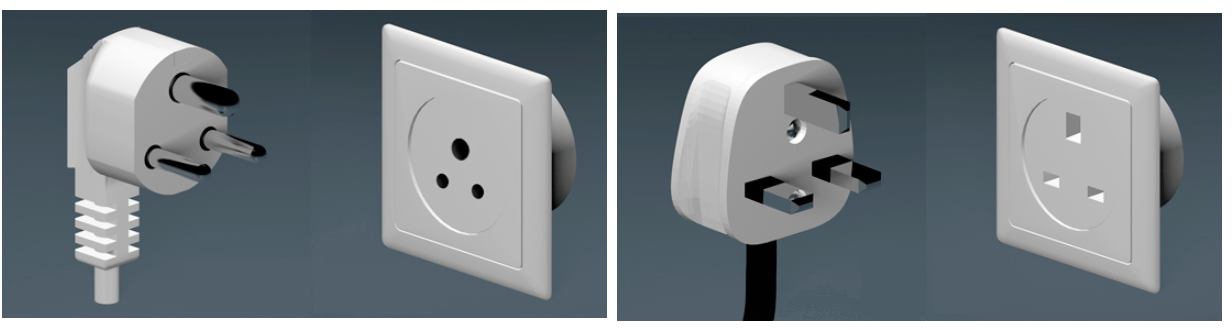
There are three types of three-prong outlets. One of them lets you plug in a European plug. The third (top) prong is the ground—insert a key or non-metallic object into it along with your plug to lift the safety shutter. We used a folded cotton swab or an empty pen casing. Do this with the outlet switch off—each outlet has its own switch.
You can also try plugging the prongs into the top and one lower hole, then switch to the other bottom one without removing it—but this isn’t very convenient and doesn’t always work.
There usually aren’t many outlets. It’s best to bring a power strip. You can find them in local hardware stores, but if you have space, bring one with you.
Even if there are enough outlets, not all will fit European plugs. And their placement can be bizarre—sometimes very inconvenient. A power strip with surge protection will definitely come in handy.
Choosing a Place to Stay
If you’re working, finding the right place is crucial. Not all areas are freelancer-friendly. At the very least, think about noise—some neighborhoods, even in villages, can be quite loud.
As mentioned above, don’t rely too heavily on Wi-Fi. It’ll probably be bad 90% of the time. If internet is important to you, check reviews and ask the host to run a speed test in advance. But the best move is to get a local SIM and pick accommodation based on other factors.
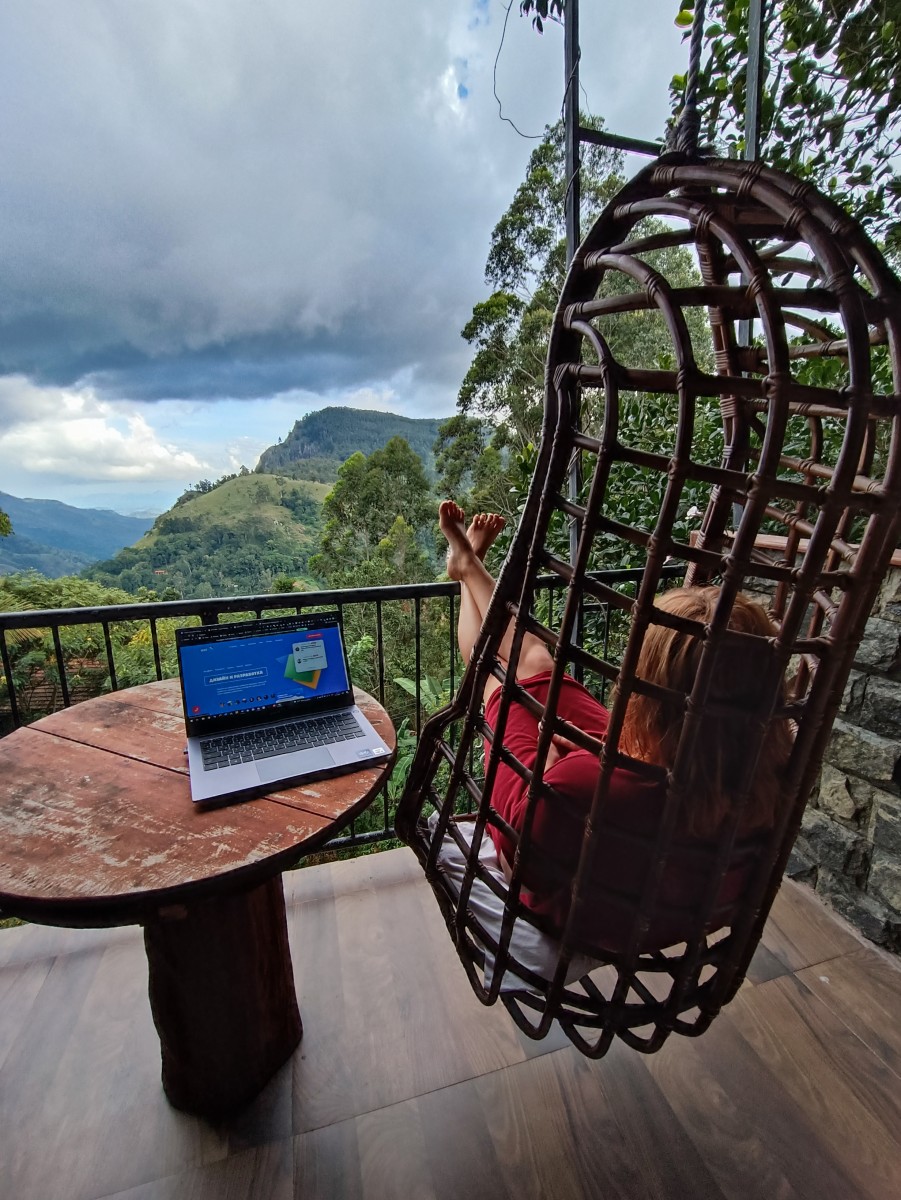
One issue we ran into—a lovely cottage with everything perfect, except the lighting. Just some dim romantic wall sconces above the bed. That’s fine for a vacation, but not for work. Because of the time difference, we worked until 11 PM local time—when it’s already dark by 6 PM.
I recommend booking a place for the first few days just to have somewhere to land. Then look for something better in person. It’s usually cheaper than booking on aggregator sites.
Useful Links
Freelancing is the best way to work while traveling. If you're not yet one of those people who can combine business with pleasure, come study with us. Watch the online premiere of “WAYUP Open Day” to learn how our students achieve results and how the process is organized.
If you already know what you want—join our online coaching program “Freelancer: The Big Game” —a new group is starting very soon!
